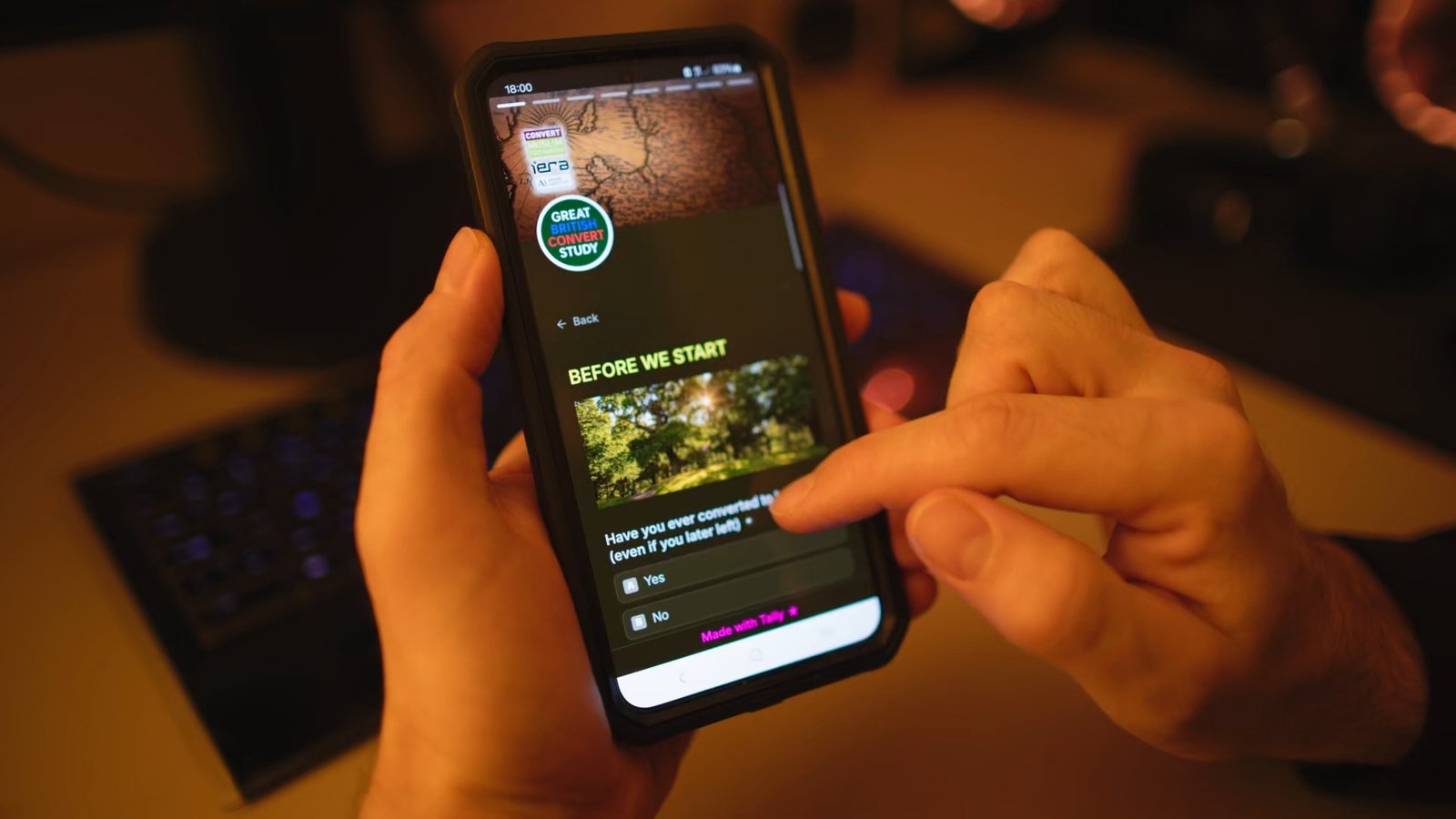
Achieve maximum national engagement for a census-type survey
• Role: Lead Researcher
• Research Type: Qualitative, Evaluative
• Methods: Usability testing, First Click, A/B
• Timeframe: 8 weeks
• Team: 1 senior product manager, 1 designer, 1 marketing coordinator, 1 director of research, 1 outreach administrator, 1 head of operations
• Impact: 74% completion rate; 12.5 minutes completion time; 1,160 respondents across the UK
CHALLENGE
Our client, 2 large community organisations, commissioned a UK census-type survey of their target demographics, which has never been done before.
From a user perspective, census-type surveys can feel long, intrusive and painful. However, they are vital in understanding specific demographics not covered by official censuses to improve services.
Research Questions
• What design elements will make the UI pleasant?
• What wording and format makes question feel empathetic rather than inquisitive?
• What design strategy makes the survey appear quick to complete?
Goals
• Design an agreeable UI
• Arrange and formulate questions so they don’t feel intrusive
• Make appear the survey shorter than it really is
PROCESS & TIMELINE
Weeks 1-2
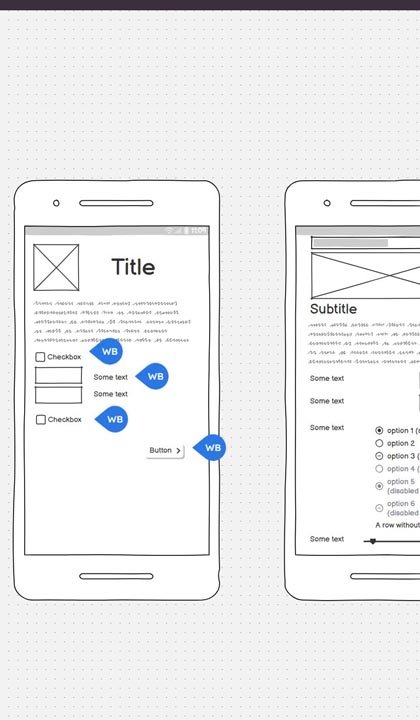
• Initial wireframe with research director (Balsamiq)
• Comparison of survey platforms (Google Forms, SurveyMonkey, SmartSurvey, Typeform)
• Design and marketing team consultation (Zoom/Teams)
Weeks 3-4
• Visual design
• Internal testing
• Selection of technical architecture (Tally.so)
• First click testing with test participants (Tally analytics)
Weeks 5-6
• Feedback analysis
• Troubleshooting
• Design refinements
• A/B Testing
Weeks 7-8
• Final round of testing
• Design finalisation
• Launch
Initial wireframe
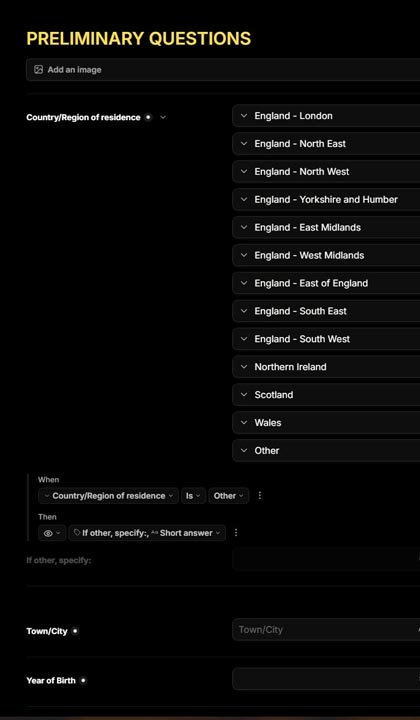
Intermediate design
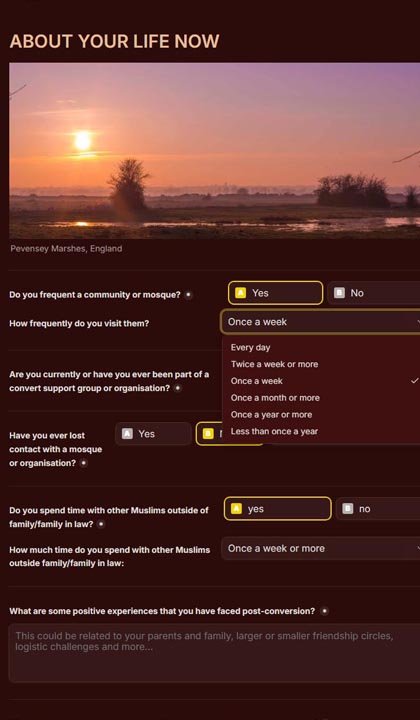
Final Design
OBSTACLES
Intrusive Participants & Gatekeeping Strategy
Objective: Protect the survey from bots, trolls and participants who do not fit the criteria Solution: Gatekeeping strategy: Implement non-skippable questions about users’ details, valid email address, One-Submission-Per-IP address, ReCaptcha
Data Security & Privacy Concerns
Challenge: Participants are worried their data will not be anonymised or used by third parties without consent Solution: Clear GDPR and Privacy Policy pages with obvious hyperlinks, consent tick-boxes, data access restricted to Lead Researcher
“The form resets on completion!”
Obstacle: Some participants observe that clicking the “submit” button makes the form go back to page 1 Solution: A/B testing to diagnose issue. The ReCaptcha at the beginning had an expiry time which expires by the time participants reach the last page; ReCaptcha positioned at the end.
FINDINGS
1. Participants respond better to themes and colour schemes in line with their values
2. Participants are more likely to complete a succession of small tasks than a big one
3. Participants struggle with text boxes but complete easily checkboxes and radio buttons
RECOMMENDATIONS
1. Use calming earthy and sunset colour tones, inclusion of images of natural landscapes
2. Divide the survey into several pages, which reduced the perceived time spent on the survey.
3. Limit the number of questions per page, offer ready-made options to select from to reduce mental load such as multiple checkboxes or experience ratings from (eg from 1 to 10)